Agent Skills vs. Workflow Platforms: Which One Should You Actually Use?
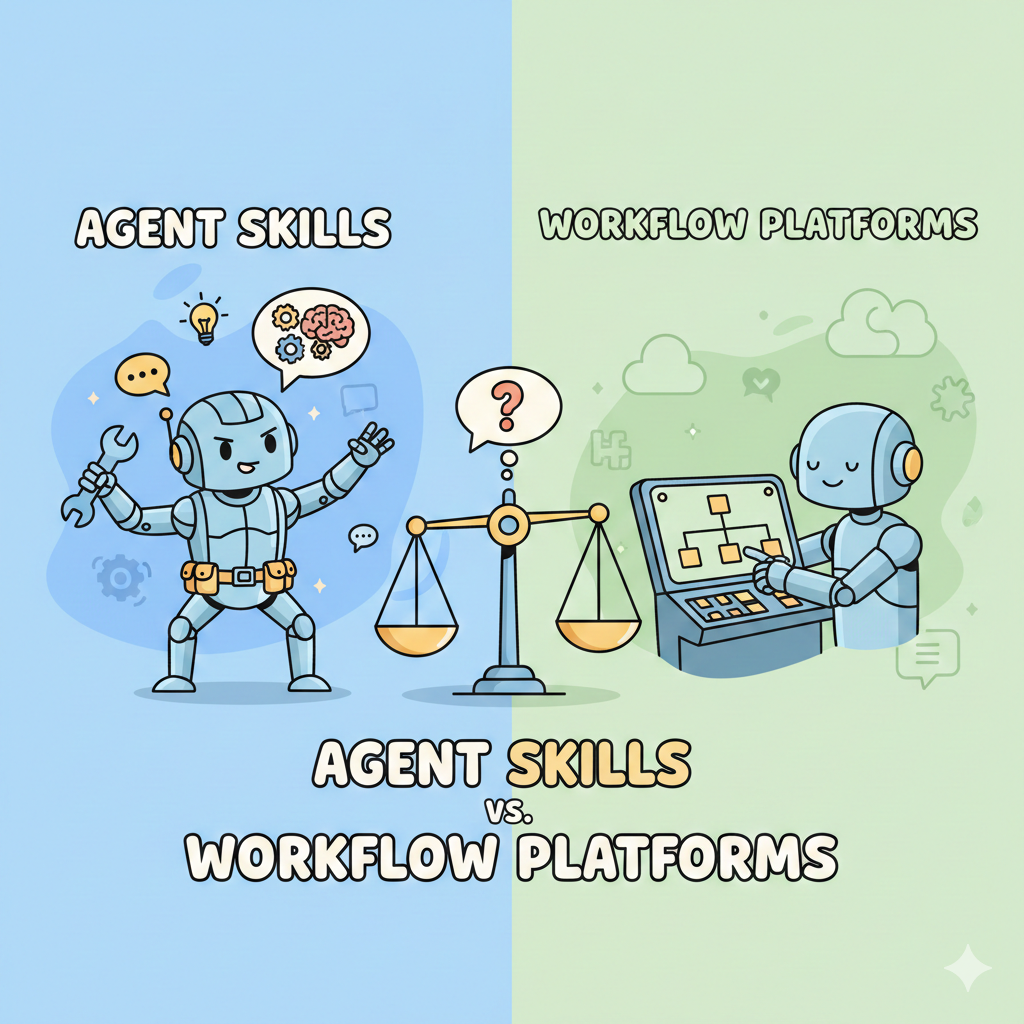
Last week, a CEO asked me a question I hear constantly: "Should I automate this with Zapier, or use an AI agent?"
My answer surprised him: "It depends on how messy your reality is."
Let me explain. Because this choice will define how your business handles automation for the next five years — and most people are getting it wrong.
By the end of this article, you'll know exactly when to use each approach, why agent skills are quietly winning the battle, and how to combine both for maximum impact.
First, Let's Define What We're Talking About
Workflow Platforms: The Programmed Assembly Line
Think of tools like Zapier, Make, or n8n as assembly lines you program yourself.
The logic is simple: IF [trigger happens] THEN [do action 1] → [do action 2] → [do action 3].
Example: When a new email arrives → extract the attachment → save it to Google Drive → notify the team on Slack.
What they do well:
- Predictable, repeatable execution
- Clear audit trail (you can see exactly what happened)
- No AI required — pure logic
- Fixed costs (monthly subscription)
Where they struggle:
- Rigid. If something unexpected happens, the workflow breaks.
- Complex scenarios require dozens of steps and conditions
- Maintenance becomes a nightmare as edge cases multiply
- You're essentially programming for a world that doesn't exist: a perfectly predictable one.
The analogy: A workflow platform is like a vending machine. Press B7, get a snack. But ask for "something healthy with protein" and it stares at you blankly.
Agent Skills: The Intelligent Assistant with a Toolbox
Now imagine something different: an AI assistant (like Claude or GPT) that understands your goal and has access to tools — email, spreadsheets, databases, APIs.
You don't program every step. You describe the objective: "Process incoming quote requests and route them to the right salesperson based on the product and region."
The agent figures out how to do it. It reads the email, understands the context, extracts the relevant information, makes a judgment call, and takes action.
What they do well:
- Adapts to unexpected inputs (messy emails, unusual requests)
- Handles ambiguity through reasoning
- One prompt replaces dozens of workflow steps
- Evolves easily — change the instructions, change the behavior
Where they struggle:
- Less predictable (the same input might produce slightly different outputs)
- Costs scale with usage (tokens)
- Requires guardrails to prevent unwanted actions
- Harder to audit ("why did it do that?")
The analogy: An agent skill is like a smart intern. Give them a goal, they figure out the steps. They might surprise you — sometimes positively, sometimes not.
The Real Test: A Side-by-Side Comparison
Let's make this concrete. Imagine you receive quote requests by email. You need to:
How a Workflow Platform Handles It
You build a 15-step automation:
It works. Until someone sends a quote request with the subject "Quick question about pricing" (no "quote" keyword). Or writes their company name in the signature instead of the body. Or asks about two products. Or replies to an old thread.
Each edge case requires a new branch. Your clean automation becomes a tangled web.
Maintenance reality: After 6 months, nobody wants to touch it.
How an Agent Skill Handles It
You write one instruction:
"When a new email arrives that looks like a quote request, extract the client name, company, and product interest. Check our CRM to see if they're an existing client. Route to the appropriate salesperson based on their region (use the sales territory mapping). Send a personalized acknowledgment and create a follow-up task."
The agent reads the email — including the messy, unstructured, human parts. It understands that "Quick question about pricing for the enterprise plan" is a quote request. It finds the company name in the signature. It handles the ambiguity.
Edge cases? The agent reasons through them. "This email mentions two products. I'll note both and let the salesperson clarify."
Maintenance reality: Change the routing logic? Update the prompt. Done.
The Comparison Table
| Criteria | Workflow Platform | Agent Skill |
|---|---|---|
| Setup complexity | High (15+ steps) | Low (1 prompt + tools) |
| Handles variations | Breaks on unexpected inputs | Adapts through reasoning |
| Maintenance | Heavy (edge case management) | Light (prompt updates) |
| Cost model | Fixed (subscription) | Variable (per token) |
| Auditability | Excellent (clear logs) | Moderate (reasoning traces) |
| Predictability | Very high | High but not absolute |
| Best for | Stable, high-volume processes | Variable, judgment-heavy tasks |
When to Use What: A Practical Framework
Choose a Workflow Platform When:
✓ Your process is 100% predictable and rarely changes
✓ You need zero tolerance for variation (compliance, legal, financial transactions)
✓ Volume is high and inputs are perfectly structured
✓ You need bulletproof audit trails for regulators
✓ Your team needs to maintain it without AI expertise
Examples: Invoice processing with standardized PDFs, user signup → welcome email sequences, inventory alerts based on fixed thresholds.
Choose an Agent Skill When:
✓ Inputs are variable or unstructured (emails, documents, conversations)
✓ The task requires contextual judgment ("Is this urgent?" "Who should handle this?")
✓ Your process evolves frequently (new products, changing rules)
✓ Volume is moderate but complexity is high
✓ You're dealing with natural language from humans
Examples: Customer support triage, document analysis, lead qualification, research synthesis, content processing.
The Optimal Hybrid: Best of Both Worlds
Here's what smart teams are doing: Agent skill at the front, workflow at the back.
The agent handles the messy, unpredictable intake: understanding emails, classifying requests, extracting structured data from chaos.
Then it hands off clean, structured data to a workflow that executes deterministic actions: updating the CRM, sending notifications, creating records.
Think of it this way:
- Agent skill = the brain (understanding, deciding, routing)
- Workflow platform = the hands (executing, recording, notifying)
This hybrid approach gives you adaptability where you need it and predictability where it matters.
Why Agent Skills Are Quietly Winning
I'll be direct: for most knowledge work automation, agent skills are becoming the better choice. Here's why:
1. The real world is messy.
Your customers don't write perfectly formatted emails. Your data isn't always clean. Your processes have exceptions. Workflows are built for an ideal world; agents are built for the actual one.
2. Token costs are dropping fast.
The economic argument against agents ("too expensive at scale") is eroding. Costs have dropped 90%+ in two years. The trend continues.
3. Skills are becoming reusable building blocks.
Just like workflows have pre-built templates, agent skills are becoming modular. "Email processing skill," "document extraction skill," "CRM lookup skill" — snap them together.
4. Maintenance compounds differently.
A workflow's complexity grows with edge cases. An agent's capability grows with better instructions. One scales painfully; the other scales gracefully.
The bottom line: A workflow automates what you anticipated. An agent skill handles what you didn't.
What This Means for You
Before you build your next automation, ask yourself three questions:
And if you're unsure? Start with an agent skill. You can always add workflow components for the deterministic parts later.
The automation landscape is shifting. Workflows won't disappear — they're still unbeatable for pure, predictable execution. But for the messy reality of business operations, agent skills are increasingly the right tool.
The question isn't "workflow or agent?" anymore.
It's "how do I combine both intelligently?"
What's your experience? Are you using workflows, agents, or a hybrid approach? I'd love to hear what's working — and what's breaking.
Related Articles
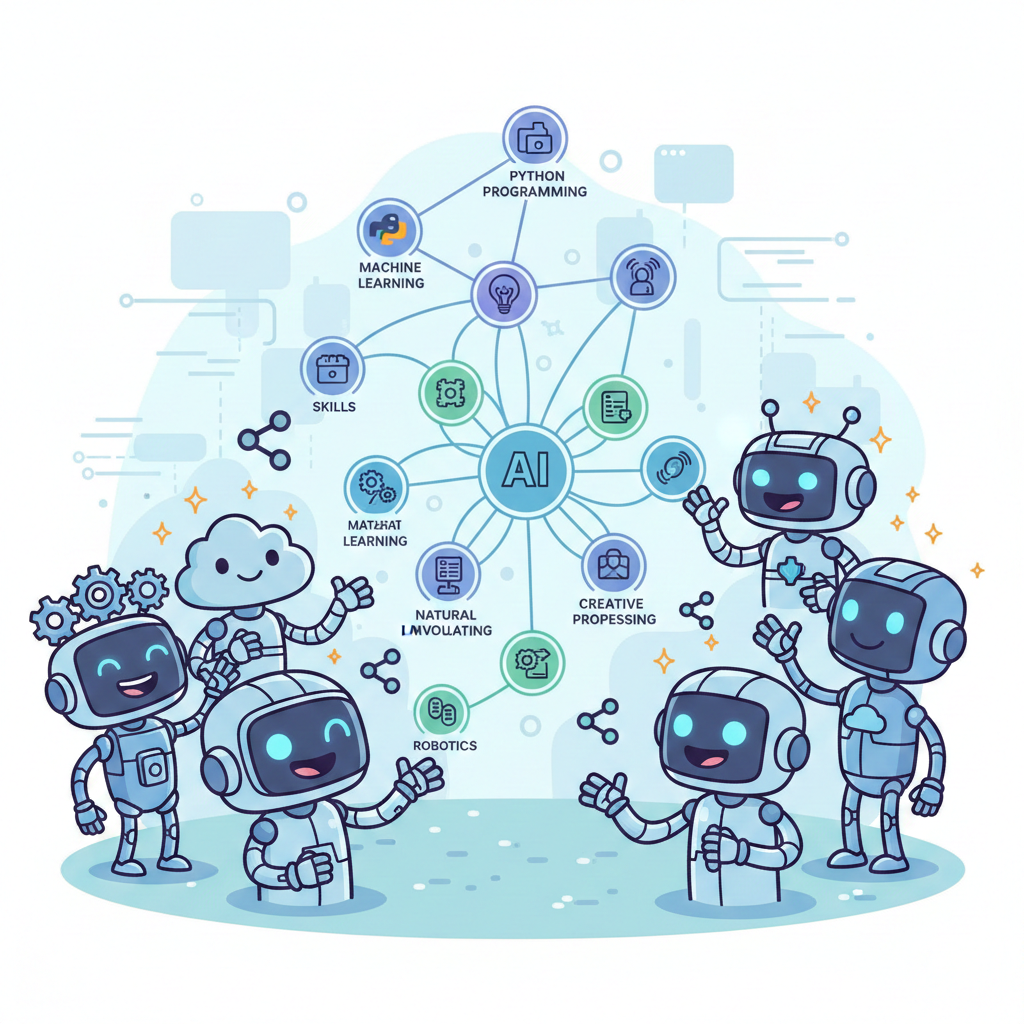
Beyond Single .md Files: How Skill Graphs Scale AI Context
Graphs enable AI agents to navigate domain expertise through interconnected nodes rather than monolithic files. Learn how this changes context architecture.
Read more
Retrieval Is the New Intelligence
AI agents are getting smarter every day. But their biggest challenge isn't thinking. It's finding the right tool for the job.
Read more
Beyond "MCP vs Skills": Composing for Scalable Agent Architecture
The debate framing MCP and Skills as competitors misses the point. They solve different problems: MCP tackles the N×M integration problem, Skills address context saturation.
Read more